×
- Hello
- Login or Register
- Quick Links
- Live Chat
- Track Order
- Parts Availability
- RMA
- Help Center
- Contact Us
- Shop for
- Honda Parts
- Honda Accessories

My Garage
My Account
Cart
Genuine Honda Pilot Car Speakers
Audio Speakers- Select Vehicle by Model
- Select Vehicle by VIN
Select Vehicle by Model
orMake
Model
Year
Select Vehicle by VIN
For the most accurate results, select vehicle by your VIN (Vehicle Identification Number).
32 Car Speakers found
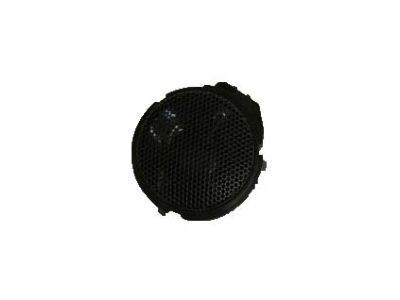

Honda Pilot Speaker Assembly, Tweeter
Part Number: 39120-T2A-A01$26.40 MSRP: $37.28You Save: $10.88 (30%)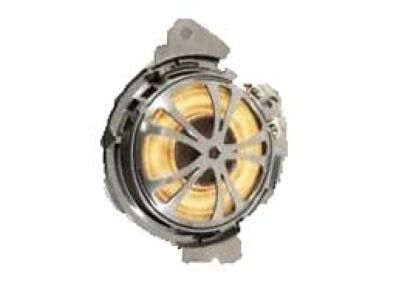

Honda Pilot Speaker Assembly (8Cm) (Panasonic)
Part Number: 39120-TK8-A01$49.76 MSRP: $70.28You Save: $20.52 (30%)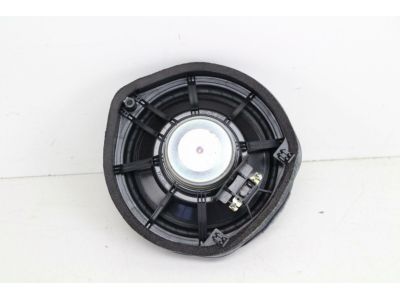
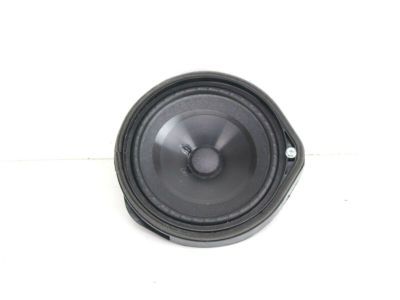
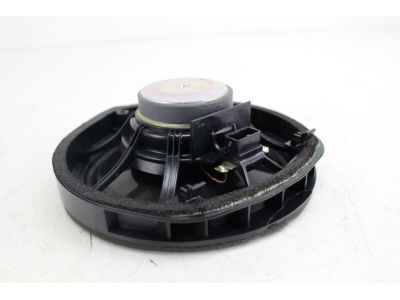
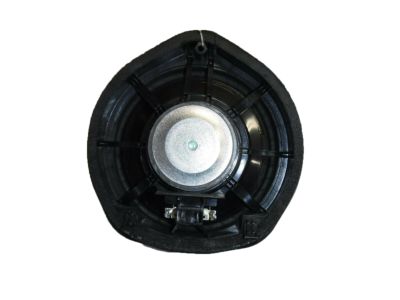
Honda Pilot Speaker Assembly, 17Cm Si
Part Number: 39120-T2A-A21$63.98 MSRP: $90.36You Save: $26.38 (30%)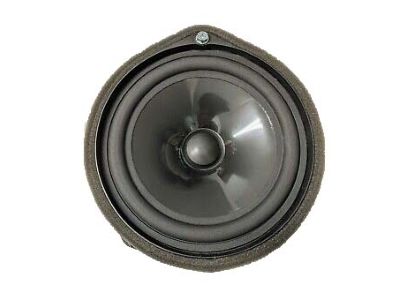
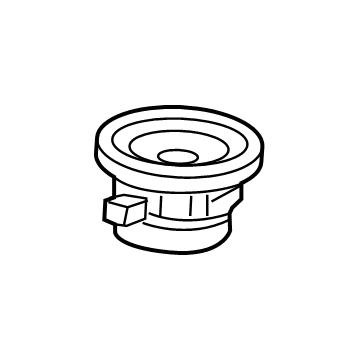
Honda Pilot Speaker Assembly (8Cm) (Center) (Panasonic)
Part Number: 39120-TG7-A61$33.11 MSRP: $46.77You Save: $13.66 (30%)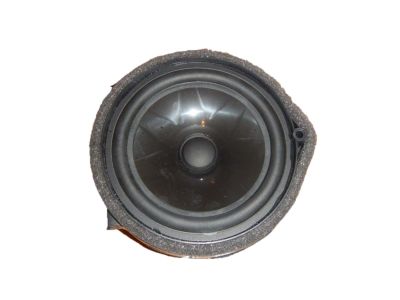
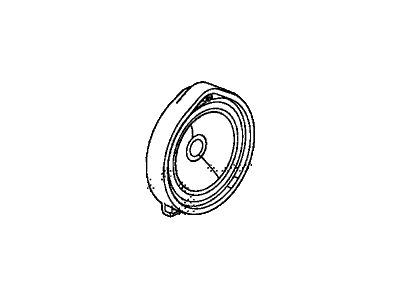
Honda Pilot Speaker Assembly (17Cm) (Sdr)
Part Number: 39120-SZA-A71$44.73 MSRP: $63.18You Save: $18.45 (30%)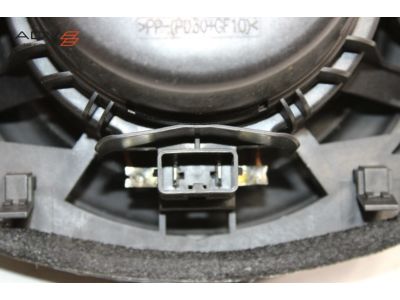
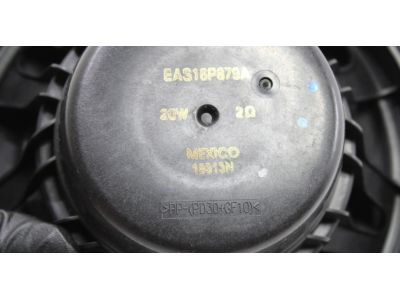
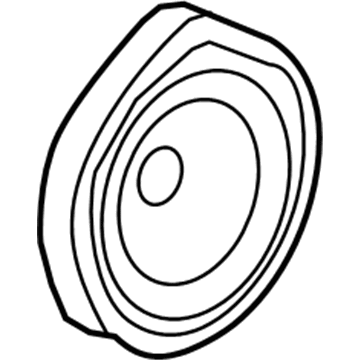
Honda Pilot Speaker Assembly (17Cm) (Panasonic)
Part Number: 39120-TG7-A71$40.10 MSRP: $56.63You Save: $16.53 (30%)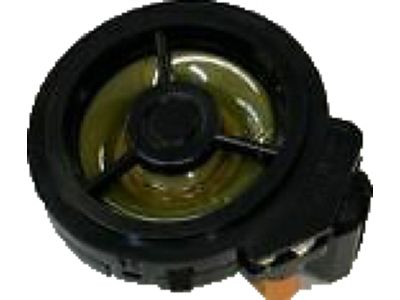
Honda Pilot Speaker Assembly, Tweeter (Panasonic)
Part Number: 39120-TG7-A21$37.34 MSRP: $52.74You Save: $15.40 (30%)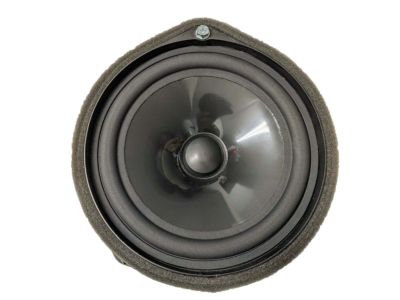
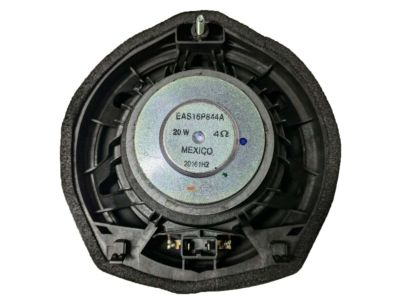
Honda Pilot Speaker Assembly (17Cm) (Panasonic)
Part Number: 39120-TG7-A51$38.99 MSRP: $55.06You Save: $16.07 (30%)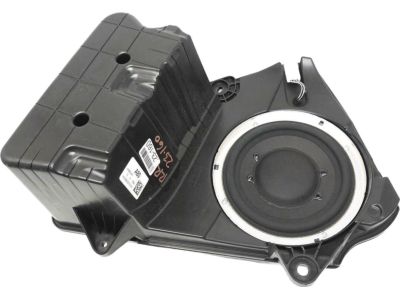
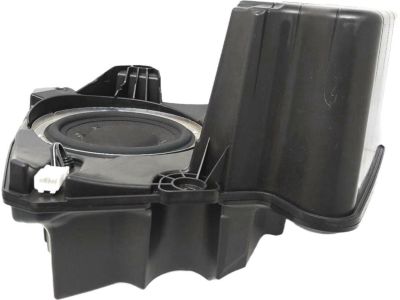
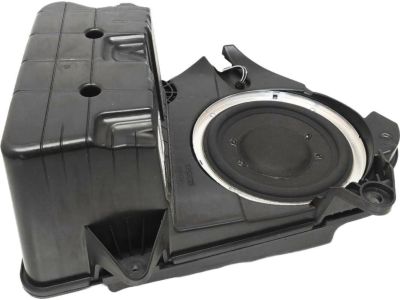
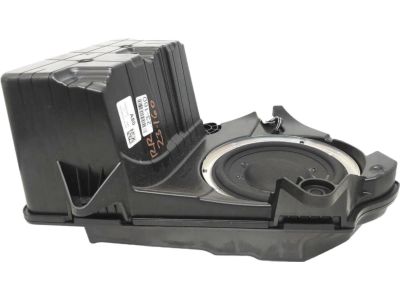
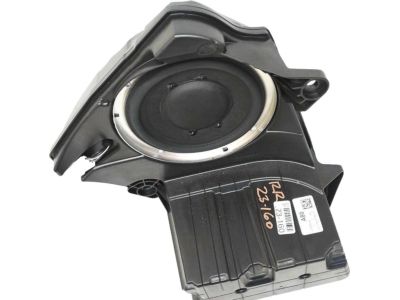
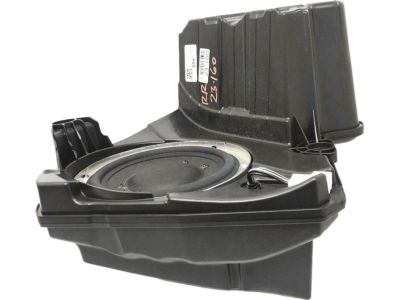
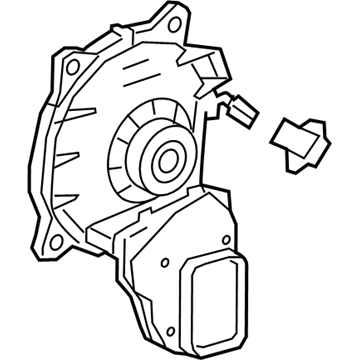
Honda Pilot Speaker Assembly, Subwoofer (Panasonic)
Part Number: 39120-TG7-A81$184.59 MSRP: $267.51You Save: $82.92 (31%)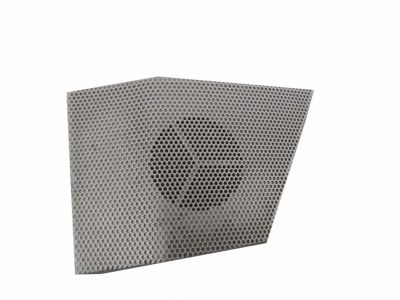
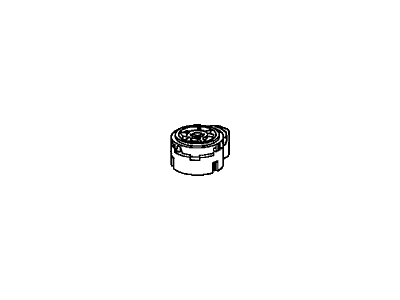
Honda Pilot Speaker Assembly, Tweeter (Panasonic)
Part Number: 39120-SZA-A01$9.36 MSRP: $13.22You Save: $3.86 (30%)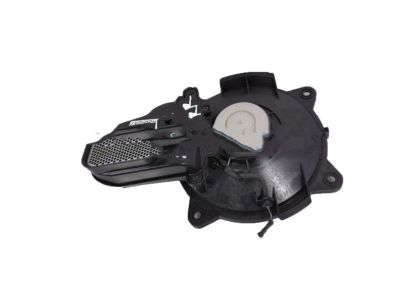
Honda Pilot Speaker Assembly, Subwoofer (Alpine)
Part Number: 39120-TG7-A01$176.64 MSRP: $256.00You Save: $79.36 (31%)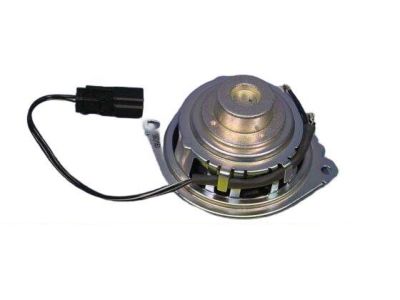
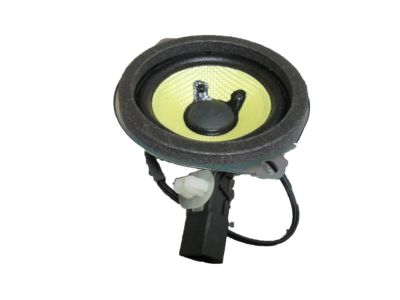
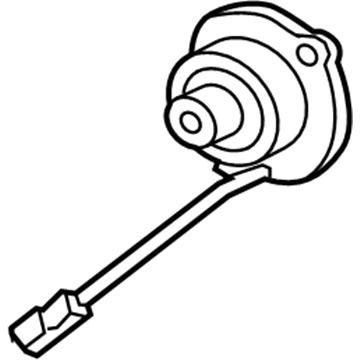
Honda Pilot Speaker Assembly (8Cm Single) (Foster)
Part Number: 39120-SZA-A61$38.31 MSRP: $54.12You Save: $15.81 (30%)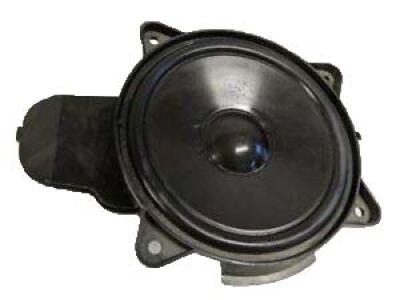
Honda Pilot Speaker Assembly, Subwoofer (Panasonic)
Part Number: 39120-TG7-A91$163.50 MSRP: $236.95You Save: $73.45 (31%)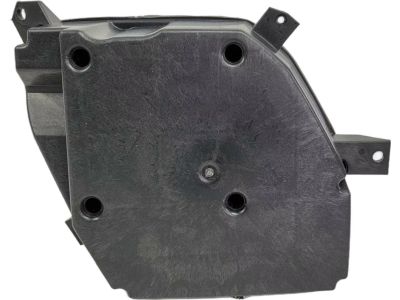
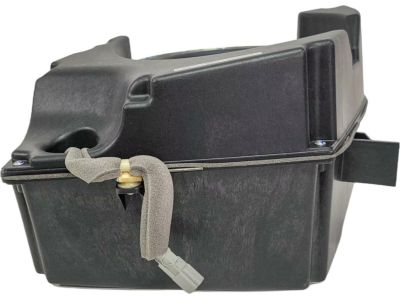
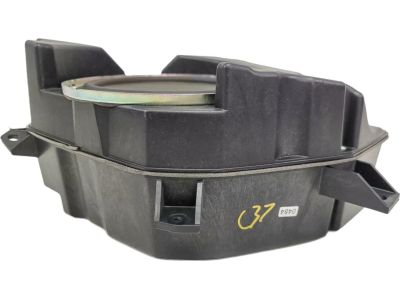
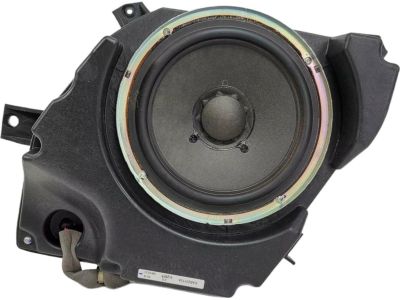
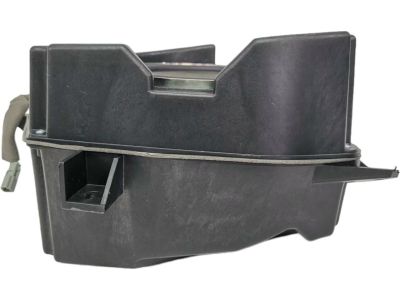
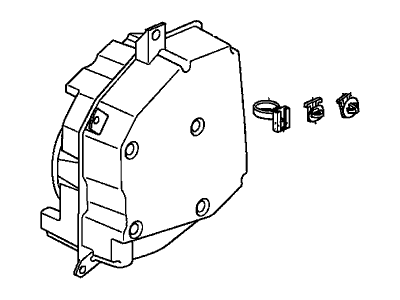
Honda Pilot Box Assembly, Subwoofer (Panasonic)
Part Number: 39120-SZA-A81$176.74 MSRP: $256.14You Save: $79.40 (31%)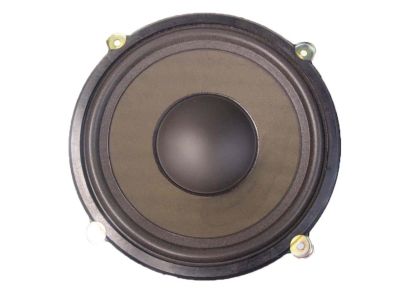
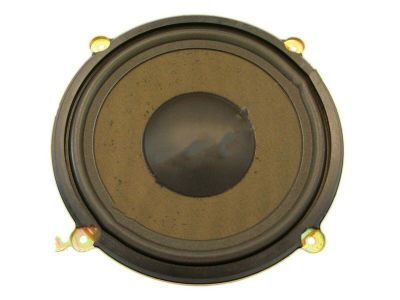
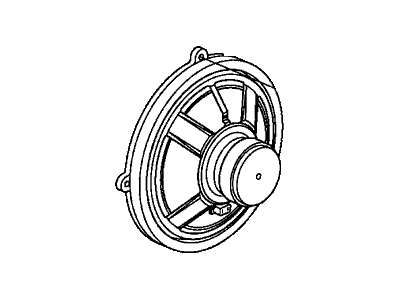
Honda Pilot Speaker Assembly (250Mm) (Alpine)
Part Number: 39120-S3V-A21$135.91 MSRP: $196.97You Save: $61.06 (31%)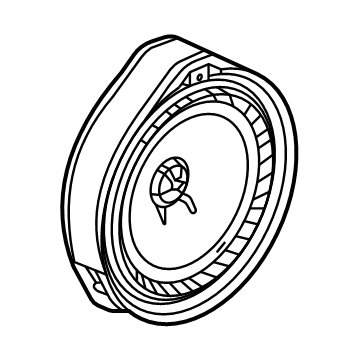

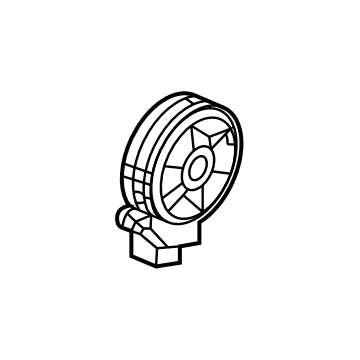
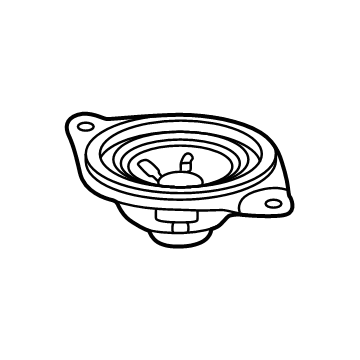
Honda Pilot Speaker Assembly, Tweeter (Panasonic)
Part Number: 39120-TG7-A11$31.23 MSRP: $44.11You Save: $12.88 (30%)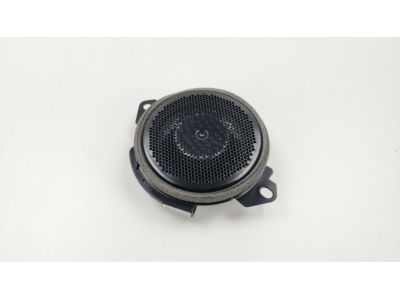
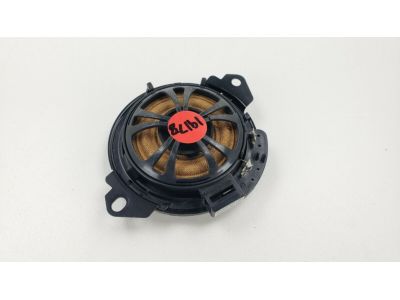
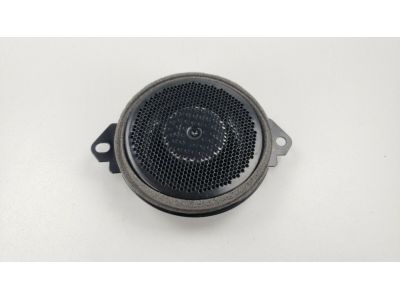

Honda Pilot Speaker Assembly, Tweeter (Foster)
Part Number: 39120-STK-A22$29.94 MSRP: $42.29You Save: $12.35 (30%)
| Page 1 of 2 |Next >
1-20 of 32 Results
Honda Pilot Car Speakers
Honda Pilot Car Speakers provide clear music and navigation cues, making everyday drives a fun experience. Across model years, these Honda Car Speakers use a combination of lightweight paper or polypropylene woofer cones and silk-based tweeters which enhance the punch of bass while maintaining high note smoothness. Butyl rubber or urethane surrounds allow the parts to move freely, which keeps the sound accurate even when the volume rises. Many Pilot trims are based on a component layout, meaning woofer, tweeter, and crossover are contained as separate Car Speakers in the cabin. The crossover separates the high and low frequencies and directs them to the appropriate Car Speakers to reduce distortion and increase detail. Mounting tweeters higher than woofers places the Car Speakers stage nearer to ear level, a minor adjustment that contributes a lot during long Honda trips. Some Pilot editions use full-range units with all the drivers in one frame for easier install but not as many tuning choices as components. Regardless of the style, matching speaker wattage and sensitivity to the factory amplifier ensures Honda Pilot Car Speakers handle power safely and play clean at every volume.
In search of affordable OEM Honda Pilot Car Speakers? Consider browsing through our extensive inventory of genuine Honda Pilot Car Speakers. Not only do we provide market-leading prices and a manufacturer's warranty, but we also pride ourselves on exceptional customer service and swift delivery.
Honda Pilot Car Speakers Parts Questions & Experts Answers
- Q:How to Remove and Install Car Speakers on a Honda Pilot?A:To replace the radio, first use a trim panel removal tool to take off the trim panel covering the radio. Then, on Pilot models without navigation, leave the radio trim panel and Antenna connections disconnected while you unscrew the four mounting screws to remove the radio. To install a new radio, first take off the old mounting brackets by unscrewing three screws on each side. Then put those brackets on the new radio and do the installation steps in reverse to put everything back together. Models with navigation: take out the middle trim on the car's center lower portion and the heater/air conditioning controllers at the same time before unscrewing and disconnecting the radio from its four mounting brackets. Reinstall in reverse order. To remove the CD changer without navigation, lift up the center lower trim panel attached to the heater/air conditioning control assembly while keeping them together, unscrew two screws from each CD changer mounting bracket, and reverse the steps to put it all back in. When swapping out navigation units, start by moving the driver's seat all the way back, taking off the four hold-down nuts, unplugging the power cord, and on new installs, first get the brackets ready on the new unit before going through the reversal steps to put it in place. To replace door speakers, first pop off the speaker grille with a trim removal tool or take off the door trim panel. Then take out the screws holding the speaker in place and disconnect its electrical wires. Reversing these steps puts the new speaker back in. To remove a dash tweeter, use a trim removal tool to gently pry it out. Then disconnect its electrical plug, and put it back in place when you reinstall. For the speaker box in the cargo area, take off the grille first, then open the right rear trim panel. Pull away the speaker while unscrewing it, disconnect the electrical plug, and do everything backwards when you put it back.
Related Honda Pilot Parts


Browse by Year
2025 Car Speakers 2024 Car Speakers 2023 Car Speakers 2022 Car Speakers 2021 Car Speakers 2020 Car Speakers 2019 Car Speakers 2018 Car Speakers 2017 Car Speakers 2016 Car Speakers 2015 Car Speakers 2014 Car Speakers 2013 Car Speakers 2012 Car Speakers 2011 Car Speakers 2010 Car Speakers 2009 Car Speakers 2008 Car Speakers 2007 Car Speakers 2006 Car Speakers 2005 Car Speakers 2004 Car Speakers 2003 Car Speakers