×
- Hello
- Login or Register
- Quick Links
- Live Chat
- Track Order
- Parts Availability
- RMA
- Help Center
- Contact Us
- Shop for
- Honda Parts
- Honda Accessories

My Garage
My Account
Cart
Genuine Honda Ridgeline Car Speakers
Audio Speakers- Select Vehicle by Model
- Select Vehicle by VIN
Select Vehicle by Model
orMake
Model
Year
Select Vehicle by VIN
For the most accurate results, select vehicle by your VIN (Vehicle Identification Number).
16 Car Speakers found
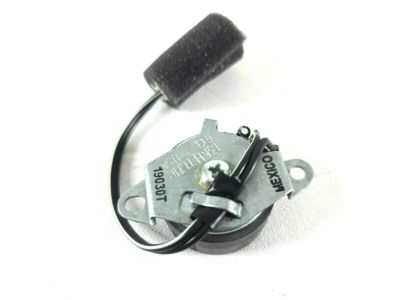
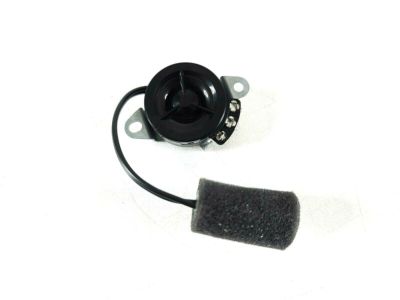
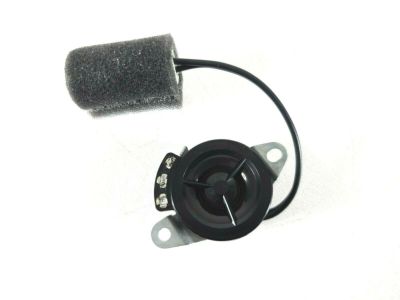
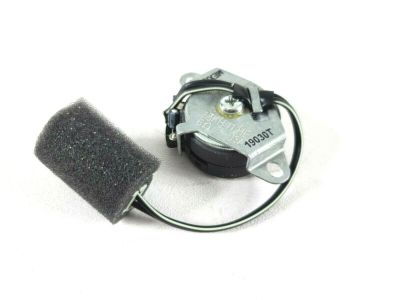
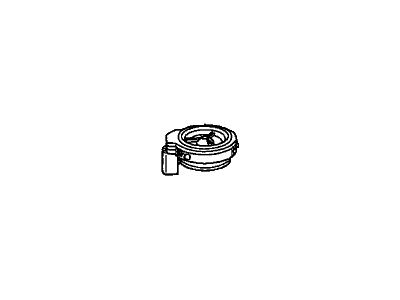
Honda Ridgeline Speaker Assembly, Tweeter (Std) (Pioneer)
Part Number: 39120-SJC-A01$23.64 MSRP: $33.39You Save: $9.75 (30%)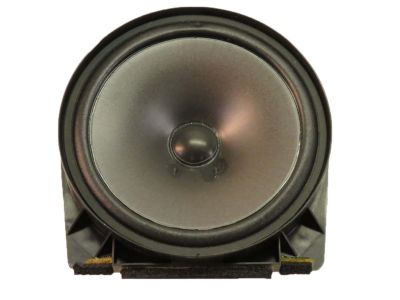
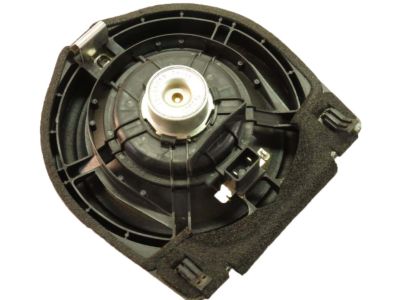
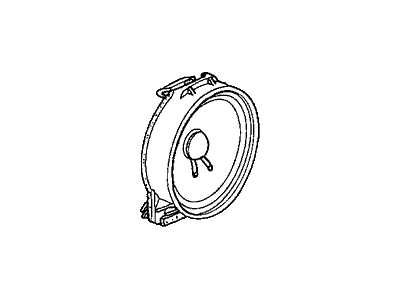
Honda Ridgeline Speaker Assembly (17Cm) (Single) (Pioneer)
Part Number: 39120-SDA-A02$26.60 MSRP: $37.57You Save: $10.97 (30%)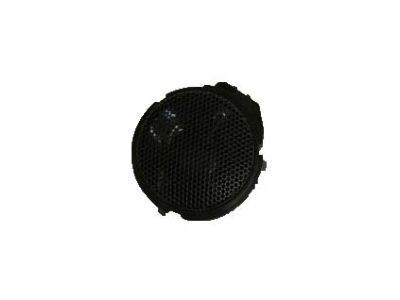

Honda Ridgeline Speaker Assembly, Tweeter
Part Number: 39120-T2A-A01$26.40 MSRP: $37.28You Save: $10.88 (30%)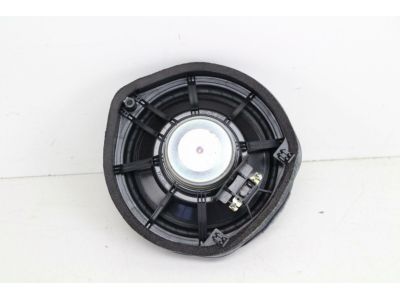
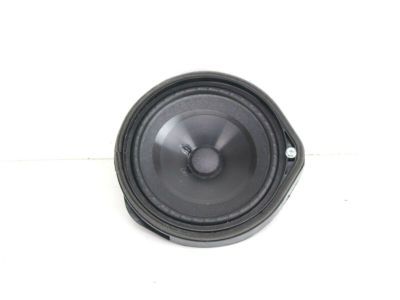
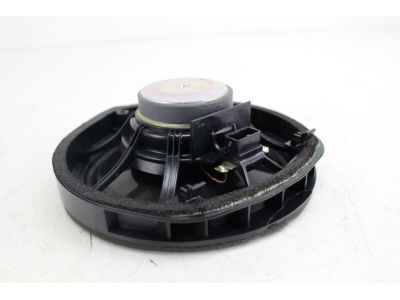
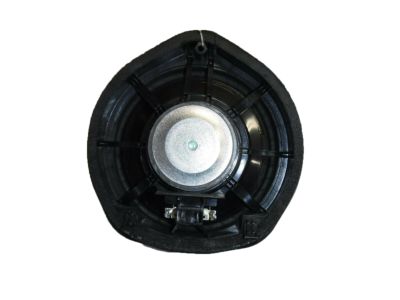
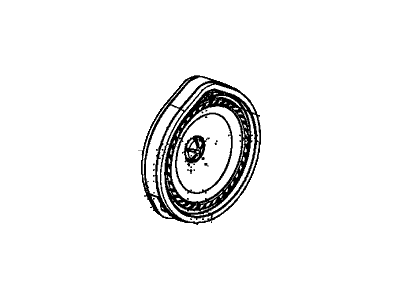
Honda Ridgeline Speaker Assembly, 17Cm Si
Part Number: 39120-T2A-A21$63.98 MSRP: $90.36You Save: $26.38 (30%)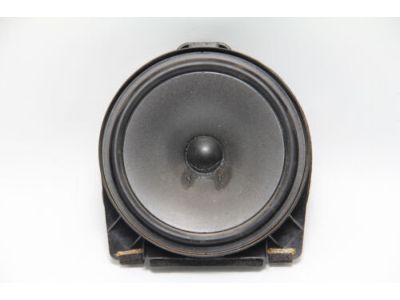
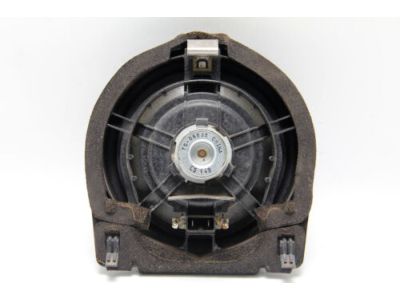
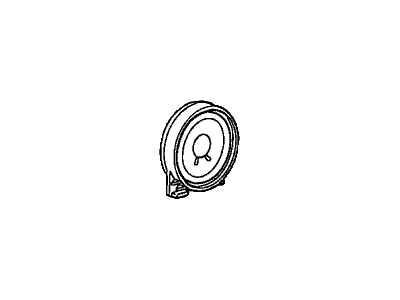
Honda Ridgeline Speaker Assembly (17Cm) (Single) (Pioneer)
Part Number: 39120-SJC-A31$40.29 MSRP: $56.89You Save: $16.60 (30%)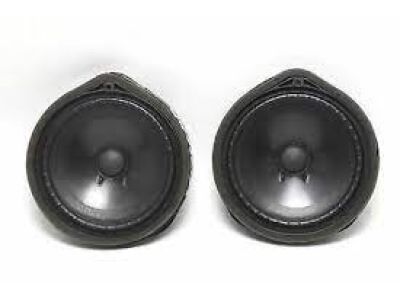
Honda Ridgeline Speaker Assembly, Tweeter (Premium) (Pioneer)
Part Number: 39120-SJC-A11$38.24 MSRP: $54.01You Save: $15.77 (30%)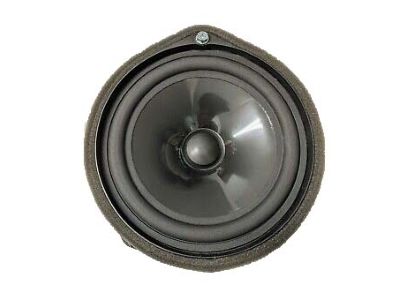
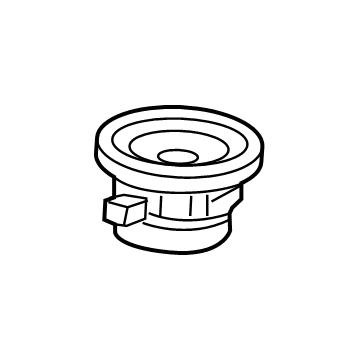
Honda Ridgeline Speaker Assembly (8Cm) (Center) (Panasonic)
Part Number: 39120-TG7-A61$33.11 MSRP: $46.77You Save: $13.66 (30%)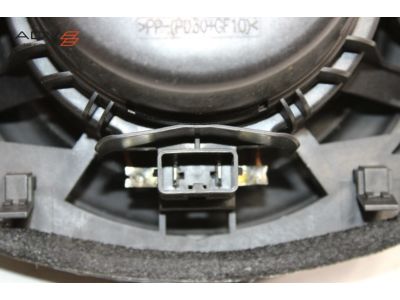
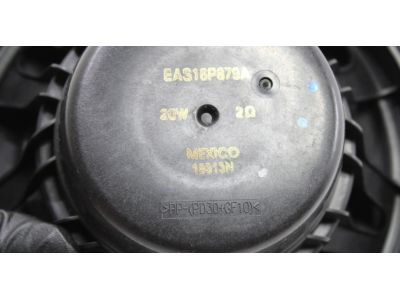
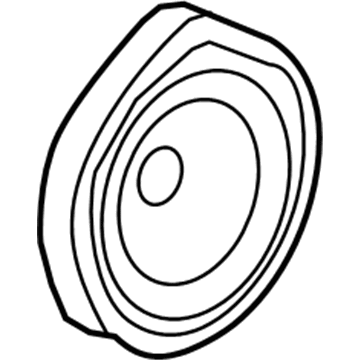
Honda Ridgeline Speaker Assembly (17Cm) (Panasonic)
Part Number: 39120-TG7-A71$40.10 MSRP: $56.63You Save: $16.53 (30%)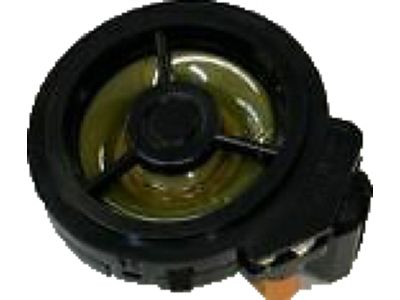
Honda Ridgeline Speaker Assembly, Tweeter (Panasonic)
Part Number: 39120-TG7-A21$37.34 MSRP: $52.74You Save: $15.40 (30%)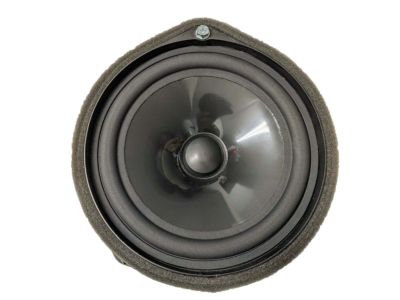
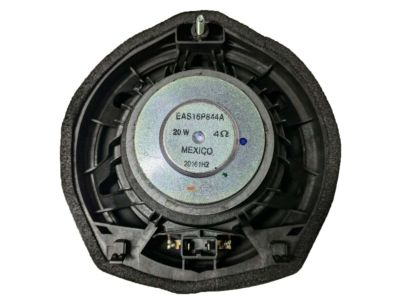
Honda Ridgeline Speaker Assembly (17Cm) (Panasonic)
Part Number: 39120-TG7-A51$38.99 MSRP: $55.06You Save: $16.07 (30%)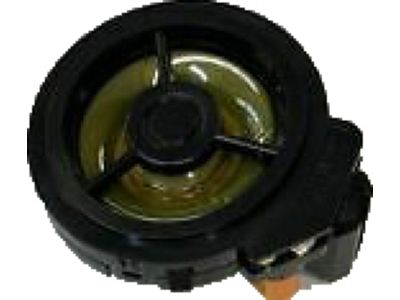
Honda Ridgeline Speaker Assembly (17Cm) (Single) (Pioneer)
Part Number: 39120-SJC-A41$21.45 MSRP: $30.31You Save: $8.86 (30%)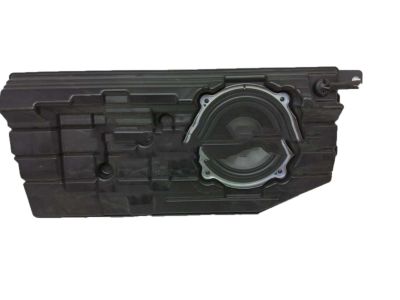
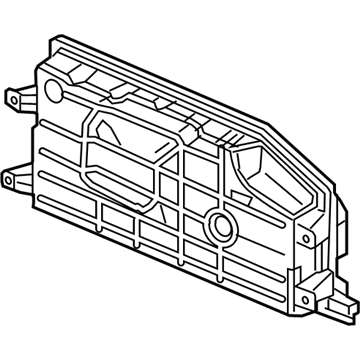
Honda Ridgeline Speaker Assembly, Subwoofer
Part Number: 39120-T6Z-A21$159.42 MSRP: $231.05You Save: $71.63 (31%)Honda Ridgeline Speaker Assembly, Tweeter (Panasonic)
Part Number: 39120-TG7-A11$31.23 MSRP: $44.11You Save: $12.88 (30%)
Honda Ridgeline SPEAKER, EXCITER
Part Number: 39120-T6Z-A31$91.33 MSRP: $129.00You Save: $37.67 (30%)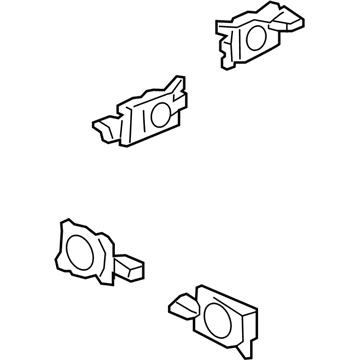
Honda Ridgeline Speaker Assembly, Exciter
Part Number: 39120-T6Z-A11$111.32 MSRP: $157.23You Save: $45.91 (30%)
Honda Ridgeline SPEAKER, SUBWOOFER
Part Number: 8A440-T6Z-A01$230.75 MSRP: $334.41You Save: $103.66 (31%)
Honda Ridgeline Car Speakers
Honda Ridgeline Car Speakers deliver clear, evenly distributed sound to every seat, making every drive a mini-concert. Early factory units in the Ridgeline relied on low-grade paper cones, foam surrounds, and small magnets so that their Car Speakers often lost punch as the materials wore out from cabin heat and vibration. Later Ridgeline models benefited from full-range Car Speakers that package a woofer and tweeter together as a two-way design or include a mid-range driver for a three-way design, allowing owners to drop replacements into door panels with minimal fuss, with the added benefit of gaining stronger bass and brighter highs. For listeners who insist on more pure separation, the truck can also include component Car Speakers that pair separate woofers and tweeters with a crossover that passes the low and high notes to the right driver, cutting distortion. Whichever style a Honda fan chooses, matching speaker wattage to the amplifier's RMS output and watching for sensitivity ratings is a surefire way to have the new Car Speakers singing efficiently and loudly, keeping the Honda name synonymous with nice, practical, and fun sound.
In search of affordable OEM Honda Ridgeline Car Speakers? Consider browsing through our extensive inventory of genuine Honda Ridgeline Car Speakers. Not only do we provide market-leading prices and a manufacturer's warranty, but we also pride ourselves on exceptional customer service and swift delivery.
Honda Ridgeline Car Speakers Parts Questions & Experts Answers
- Q:How to Remove and Install Car Speakers on a Honda Ridgeline?A:Start by taking off the panel with the instrument cluster, audio/navigation, and heater/air conditioning controls on Ridgeline models without navigation system. Start by removing the radio's four mounting screws, take it out some, disconnect the Antenna, and then disconnect the electrical connection. When you need to install a new radio, take out the three screws from each mounting bracket first, detach the brackets, then put them on your new radio before going backward through the removal steps to place everything in its correct spot. Take off both the lower trim panel and heater/air conditioning control assembly as one unit of Ridgeline models with navigation systems. Use the same two mounting brackets for the radio and heater/air conditioning control assembly. Loosen and remove the four mounting screws from the radio side of each bracket to take out the radio, then follow the opposite order for reinstallation. To take out the center lower trim panel and heater/air conditioning control assembly, do it all as one piece for the CD changer that doesn't have navigation. To take out the CD changer, unscrew the two mounting screws on both brackets and follow these steps in reverse when putting it back in place. Shift the driver's seat backwards, then loosen four bolts that hold the changer unit in place. Lift up the changer unit until the electrical connection disconnects, and if you're replacing the unit, remove the four mounting screws on each bracket so you can easily take it off and put everything back in reverse order. To repair Acura door speakers, take off their grille with a trim removal tool; for Hondas, remove the door trim to access the speakers, then unscrew them and disconnect the electricity before reinstalling, done in reverse order. To remove tweeters on top of your dash, use a trim removal tool to carefully pry them out, take off their electrical connector, and follow these same steps to put them back in. To take off the right cargo area speaker on Acura cars,Nej-zit and pull the speaker grille (Honda buttons). Unscrew the speaker base screws and unplug the wires, switch actions to put in.
Related Honda Ridgeline Parts


Browse by Year
2026 Car Speakers 2025 Car Speakers 2024 Car Speakers 2023 Car Speakers 2022 Car Speakers 2021 Car Speakers 2020 Car Speakers 2019 Car Speakers 2018 Car Speakers 2017 Car Speakers 2014 Car Speakers 2013 Car Speakers 2012 Car Speakers 2011 Car Speakers 2010 Car Speakers 2009 Car Speakers 2008 Car Speakers 2007 Car Speakers 2006 Car Speakers